
APP-03 · Gas stations / Convenience stores
Run store and fuel workflows with one connected POS
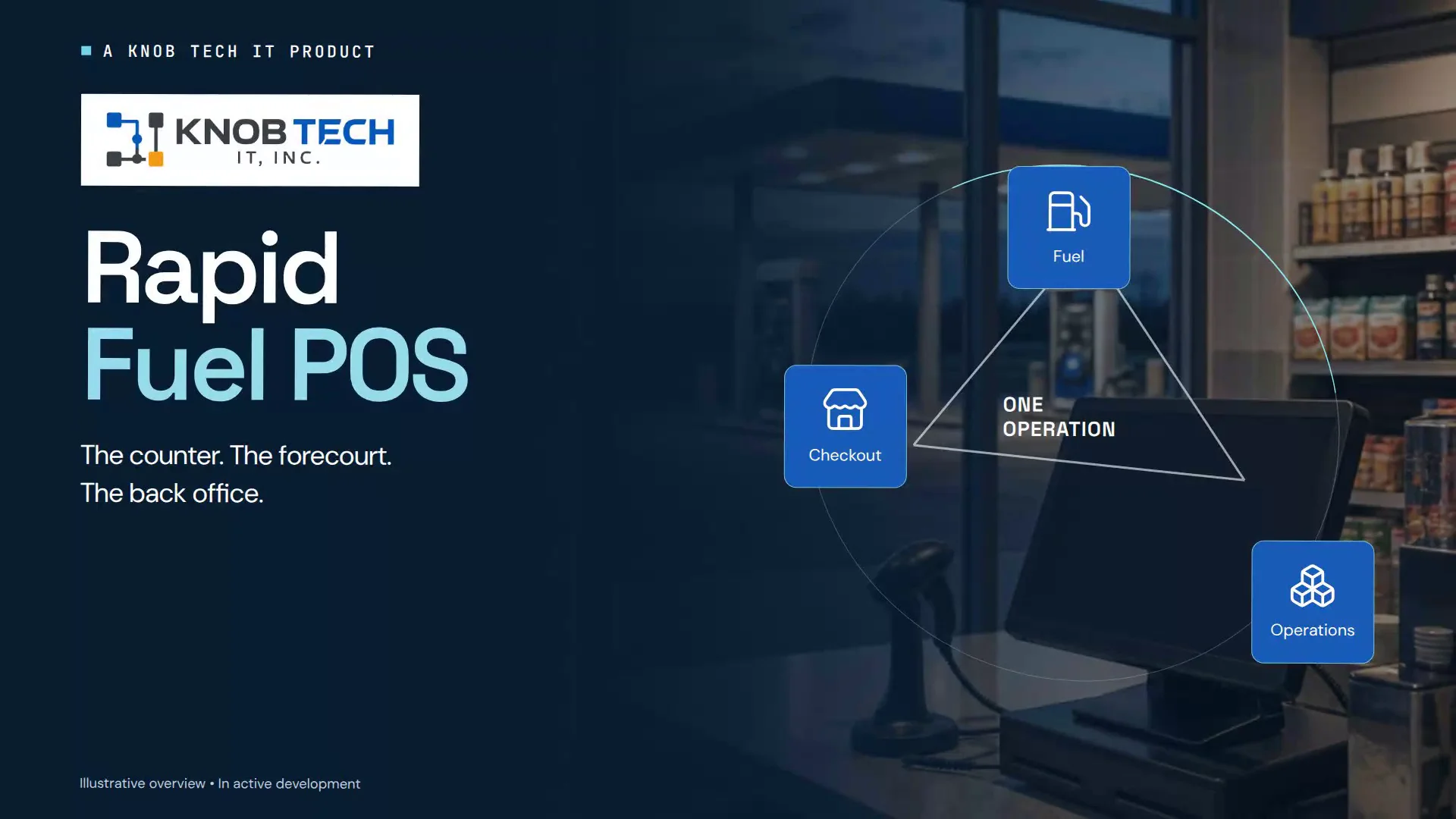
From the checkout counter to the forecourt, Rapid Fuel POS brings together the daily workflows of convenience retail and fuel operations. Manage products and promotions, serve customers with flexible tender options, keep an eye on tanks and dispensers, and take key inventory tasks on the go.
In active development
//Product overview
See the connected experience.
//What it brings together
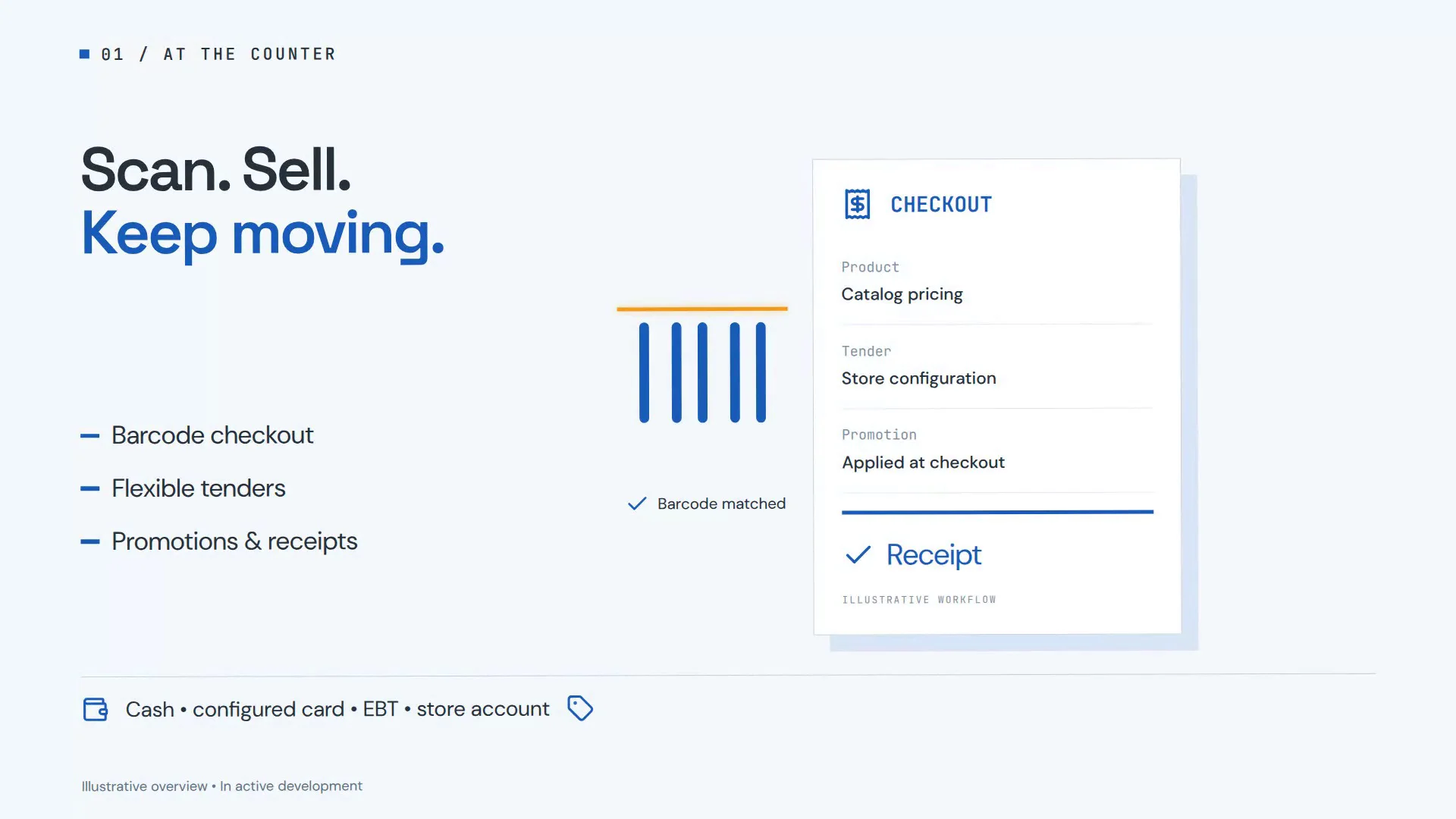
Checkout that fits the way your store sells
Scan products at the web POS and handle cash, card, EBT, on-account, or split-tender sales. Age checks, receipt options, customer display, and an offline transaction queue support the moments that keep a checkout moving.
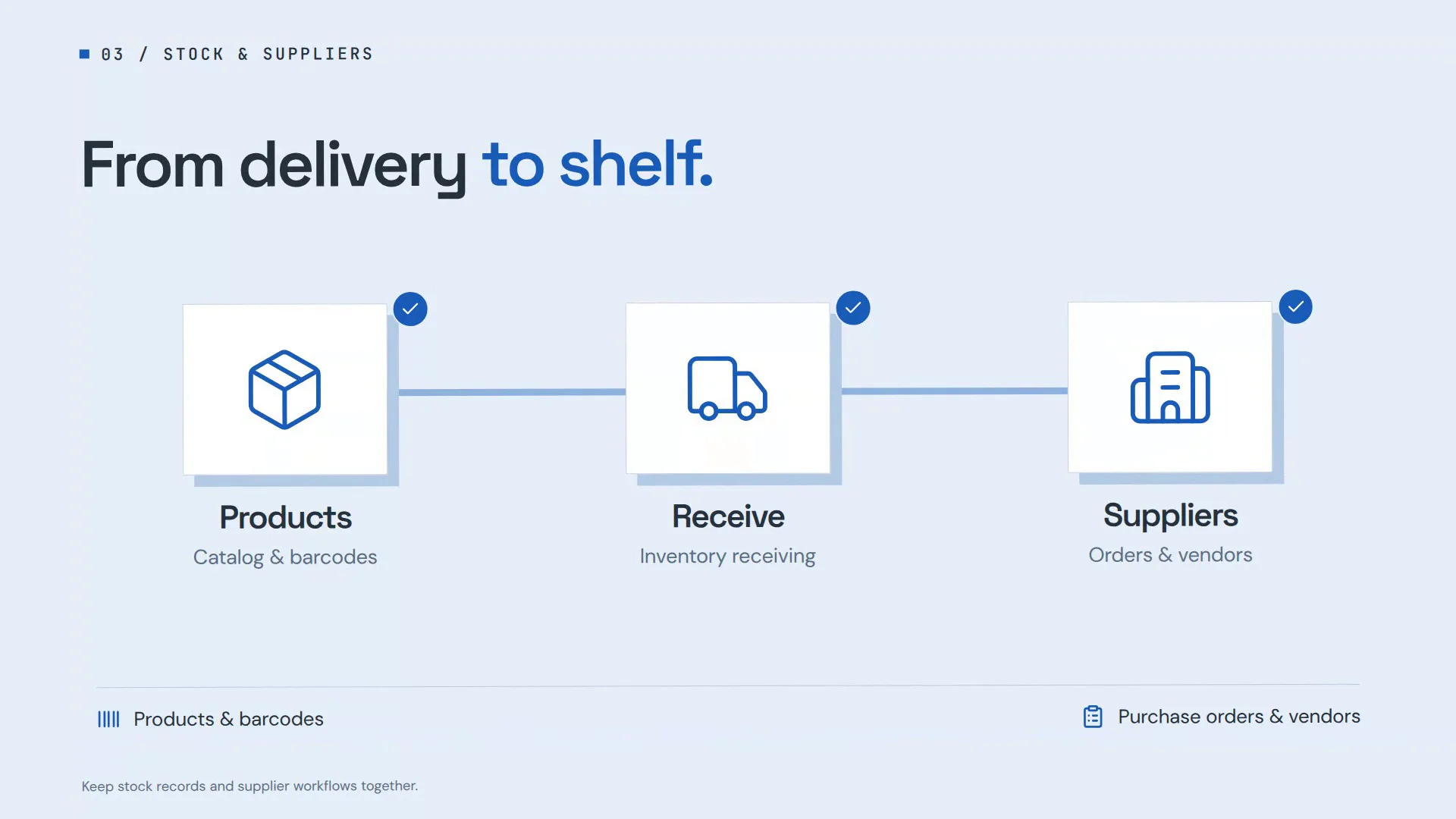
Keep products, prices, and promotions organized
Maintain product records with multiple barcodes, pricing, and inventory information. Build promotions and age-check rules into the product workflow, so store teams can manage the details they need at the point of sale.
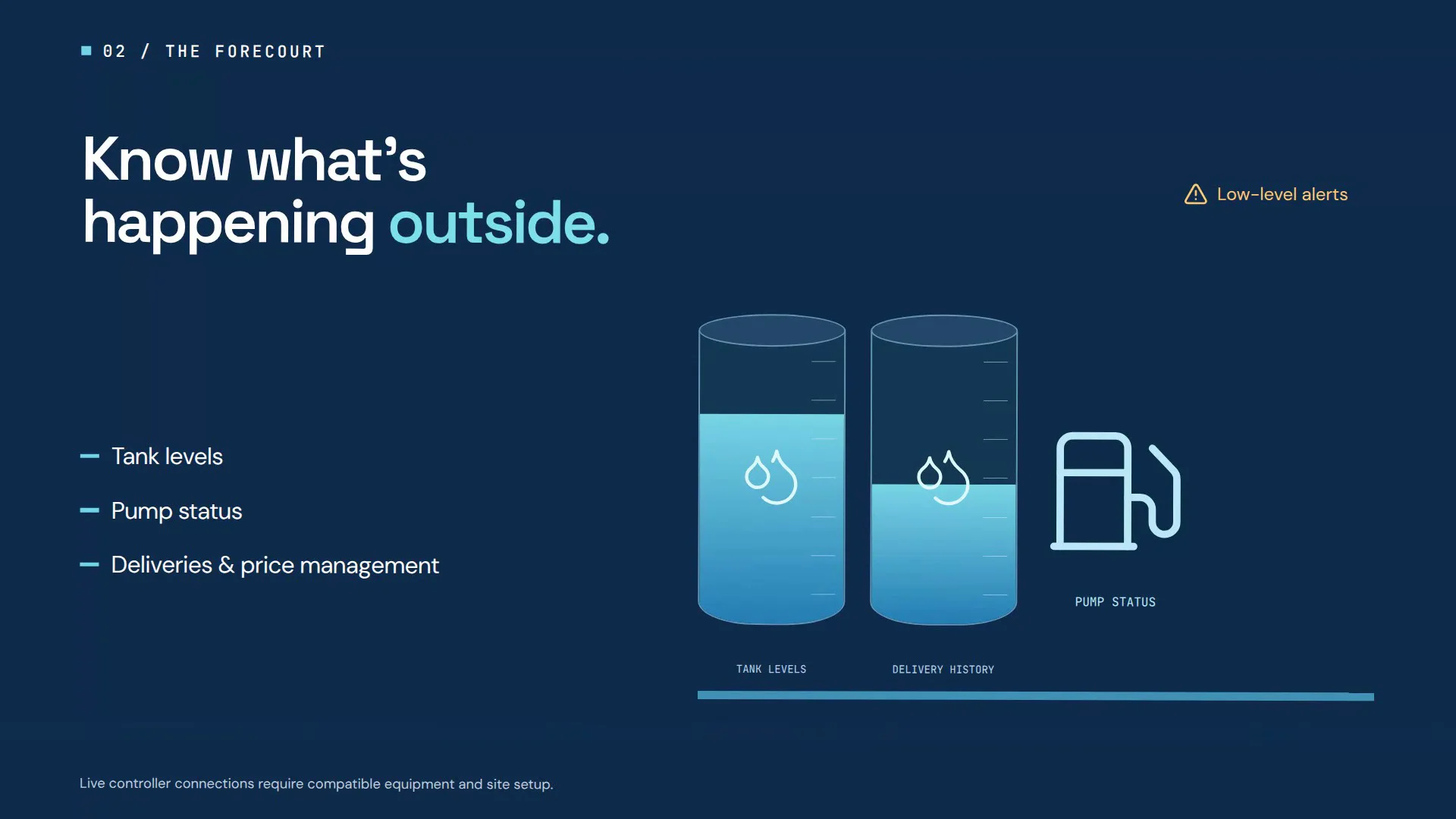
See the fuel picture at a glance
Follow tank levels and alerts, log deliveries and corrections, and review or export tank history. Check dispenser statuses, manage prepays and change-back, and work with grades, prices, and controller setup.
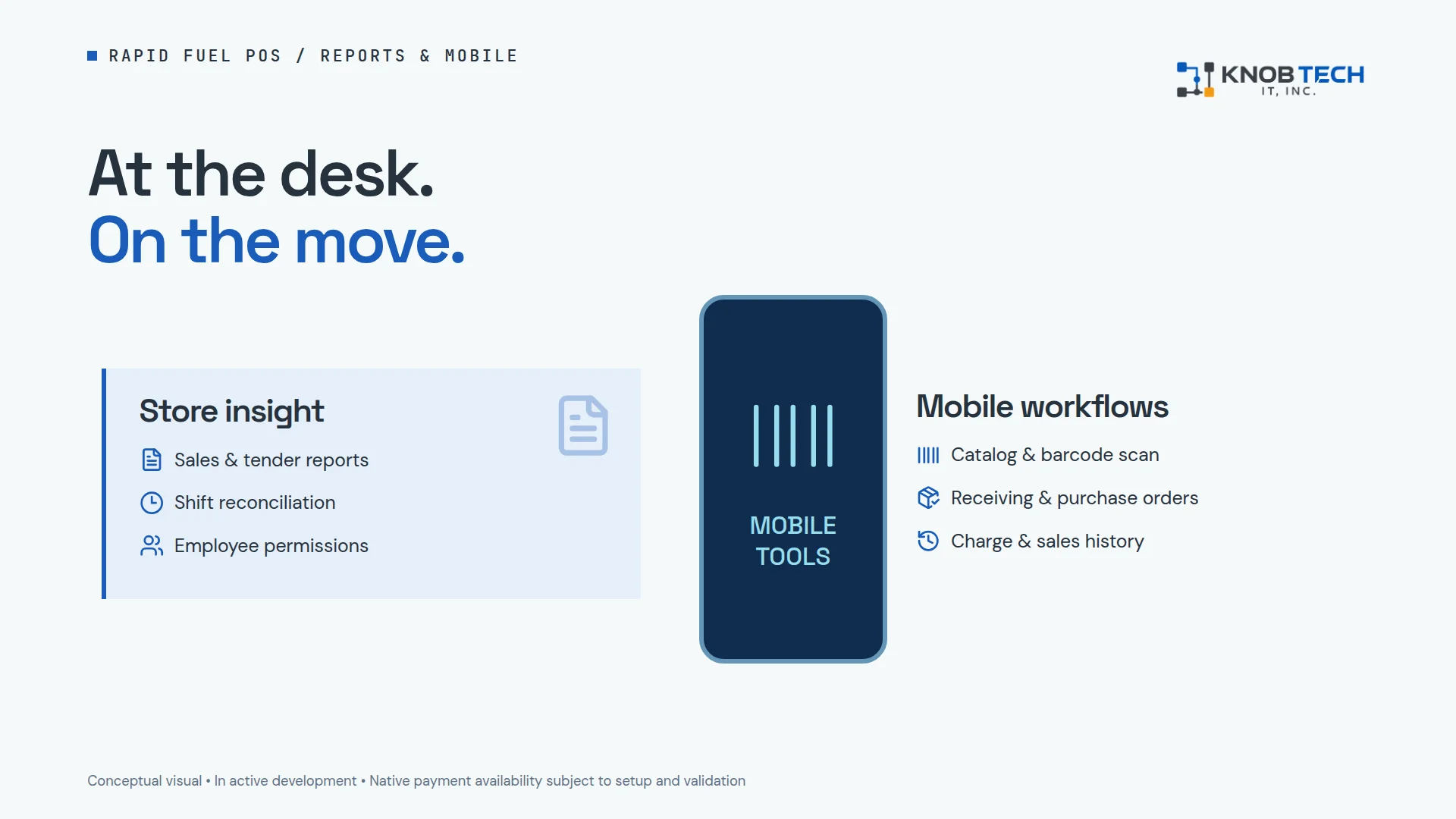
Take essential store tasks mobile
Browse the catalog, scan barcodes, manage inventory, receive products, and work with purchase orders from the mobile companion. Charge and History views extend the mobile workflow beyond the stockroom.
The feature graphics above are conceptual visuals, not captured product screenshots.
//Interface walkthroughs
Watch the actual interface at work.
These walkthroughs show the actual frontend using isolated synthetic demo data. They do not show live merchant activity or prove a live hardware or payment connection.
//Web and mobile
The counter on the web. The stockroom in your hand.
Use the web experience for the counter and broader store operations, and the mobile companion for catalog, scanning, stock, and purchasing tasks.
Web POS
- Barcode checkout with cash, card, EBT, on-account, and split tender
- Products, pricing, promotions, age checks, and inventory
- Fuel tanks, deliveries, corrections, dispensers, prepays, grades, and prices
- Shifts, employees, customers, vendors, reports, payouts, and category workflows
Mobile companion
- Catalog and barcode scanner
- Inventory and receiving
- Purchase orders
- Charge and History views
//A connected store workflow
- 01Organize products, barcodes, pricing, inventory, and promotions.
- 02Serve customers at the web POS with the tender and age-check workflows your store uses.
- 03Keep track of fuel activity, from tank levels and deliveries to dispenser status and prepays.
- 04Coordinate staff, customer, vendor, purchasing, and reporting workflows.
- 05Use the mobile companion for scanning, inventory, receiving, and purchase orders.
//Who it's for
Built for convenience retail and fuel operations.
Rapid Fuel POS is designed for convenience retailers and fuel operators who want their point-of-sale, store routines, and fuel workflows working together. Whether you're focused on checkout, forecourt visibility, inventory, or all three, request a demo to explore the workflows with KNOB TECH IT.
Request a demoCurrent status and integration details
Rapid Fuel POS is in active development. Request a demo or contact KNOB TECH IT to discuss current availability and the workflows that fit your store.
Fuel controller interaction is simulated in the demo. A live Wayne/IFSF connection depends on the site, controller, configuration, and validation. Square handoff is implemented and live testing is pending; it requires a native build and a separate Square application, location, and access token for each location. Receipt, customer-display, offline-queue, and peripheral behavior may depend on the hardware, device, network, and store setup.
//Frequently asked questions
How can I find out about availability?
Request a demo to review the current experience and contact KNOB TECH IT about availability and fit for your store.
What fuel workflows can I explore?
Review tank levels and alerts, deliveries, corrections, history and export, dispenser status, prepays and change-back, grades and prices, and controller setup. See Current status and integration details for live-connection information.
Does Rapid Fuel POS support Square?
See Current status and integration details for Square requirements and validation status. Contact KNOB TECH IT to discuss your payment setup.
Can I use my store's existing hardware?
Share your hardware details when you request a demo so the team can discuss your environment and store workflows.
What can the mobile companion do?
The mobile experience includes catalog browsing, barcode scanning, inventory, receiving, purchase orders, and Charge and History views.
Who owns Rapid Fuel POS?
Rapid Fuel POS is owned and developed by KNOB TECH IT, INC. Use the demo link to speak with the team about the product and your store's workflows.
Explore Rapid Fuel POS with our team.
Request a demo to review the current experience and discuss the workflows that fit your store.
Request a demoRapid Fuel POS is owned and developed by KNOB TECH IT, INC.