//APP-02 · Check-cashing operations, reimagined
Faster check-cashing workflows. Clearer decisions. Better control.
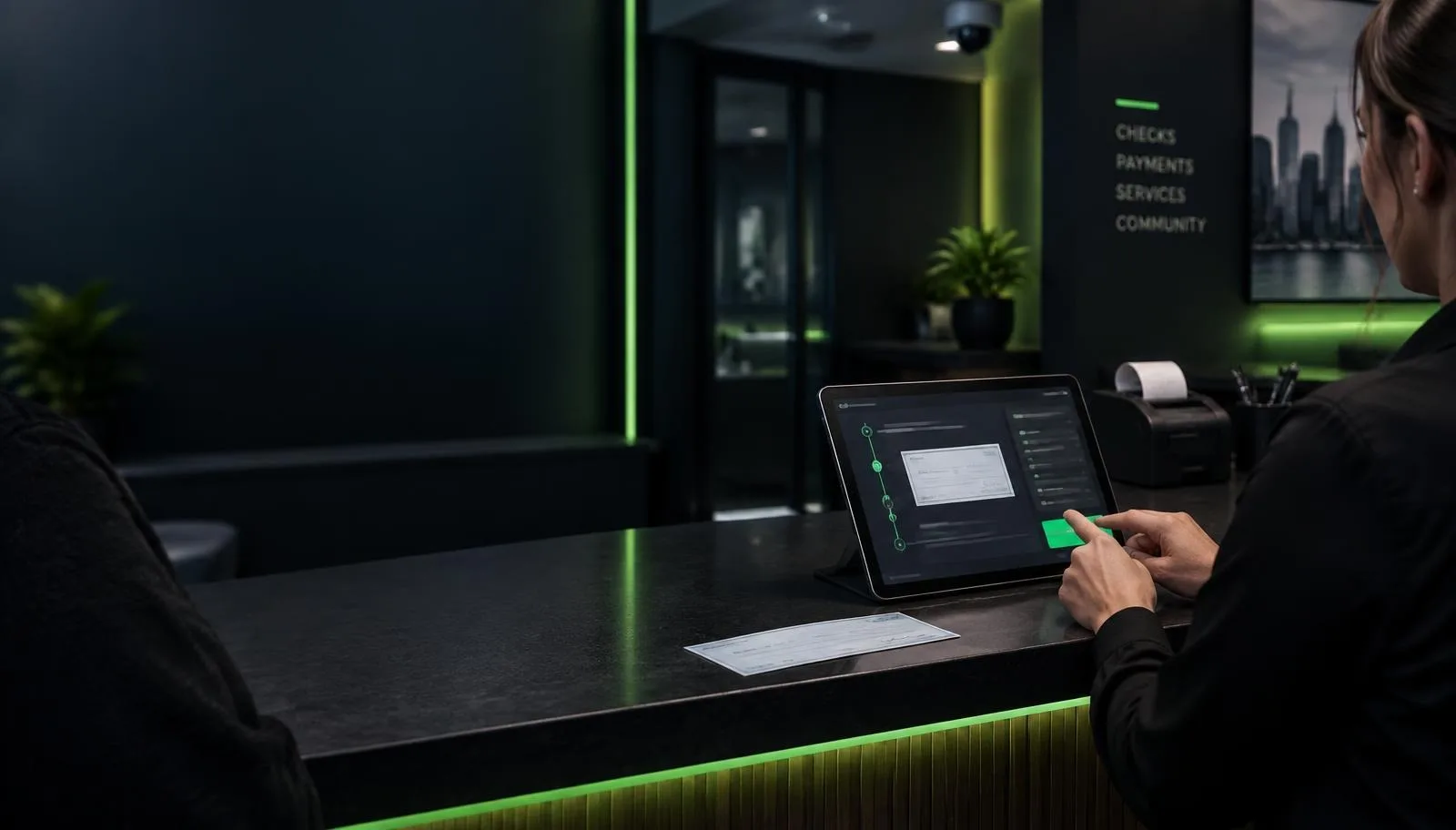
QuickCash Scan brings check-cashing businesses a workspace to enroll customers, capture check details, route higher-risk activity for review, manage staff access, and keep transaction records organized—from web, iPhone, iPad, or Android.
Built and owned by KNOB TECH IT, INC.
//Overview
QuickCash Scan is a modern operations platform for check-cashing businesses. It brings customer records, check capture, review workflows, transaction history, reporting, and staff accountability into one focused system. Built and owned by KNOB TECH IT, it helps owners, managers, and tellers move efficiently while keeping important decisions visible and documented.
//Product tours
See QuickCash Scan in action.
A customer-first check workflow
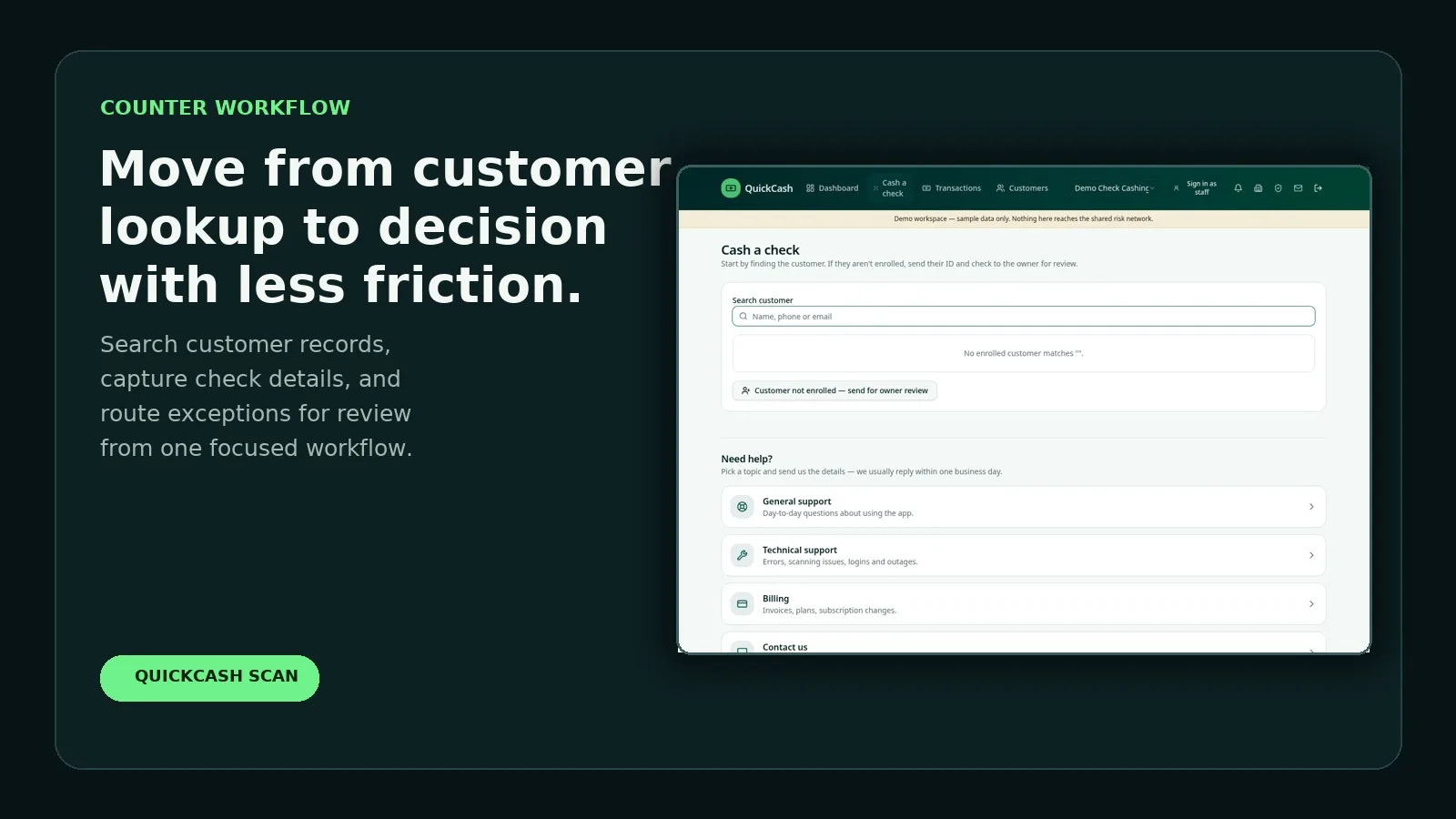
Find an existing customer before starting a transaction. If the customer is new, collect the required information and send the case to an owner for review. This creates a consistent process at the counter and helps prevent incomplete records.
Assisted check capture
Capture the front and back of a check using a supported device camera. QuickCash Scan can assist with extracting check details, while staff remain in control of review, corrections, crop, rotation, and retakes.
Review rules for higher-risk activity
Checks can be routed for owner review based on configured workflow signals such as higher amounts, new makers, older checks, or newly enrolled customers. Owners can review the details before staff complete the transaction.
Customer and transaction records
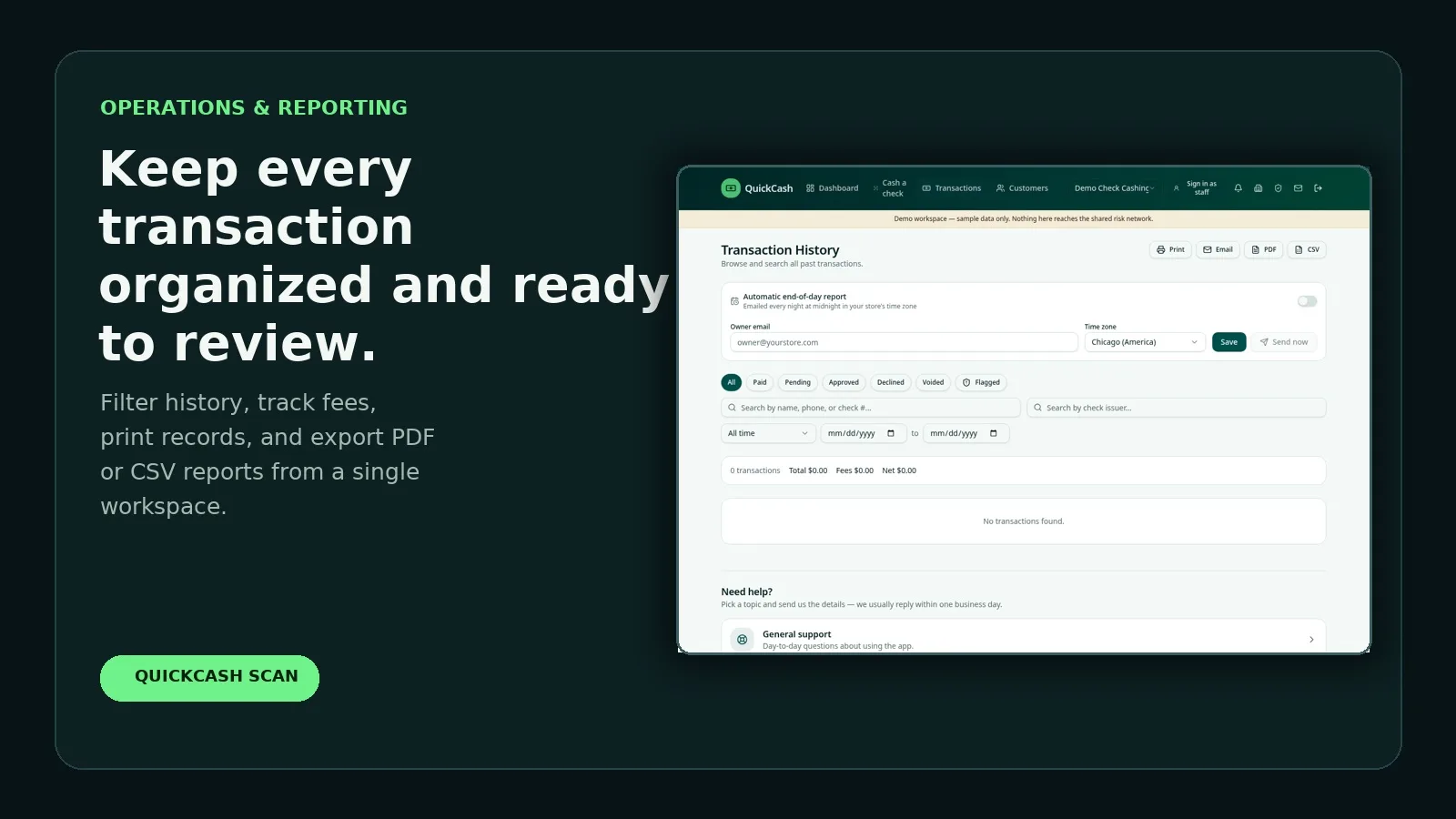
Search customer history and transaction records from one workspace. Filter by status or date, review fees and net totals, and export records to PDF or CSV when needed.
End-of-day reporting
Review daily totals and configure automatic end-of-day summaries. Owners can monitor check volume, fees, and review activity without rebuilding reports by hand.
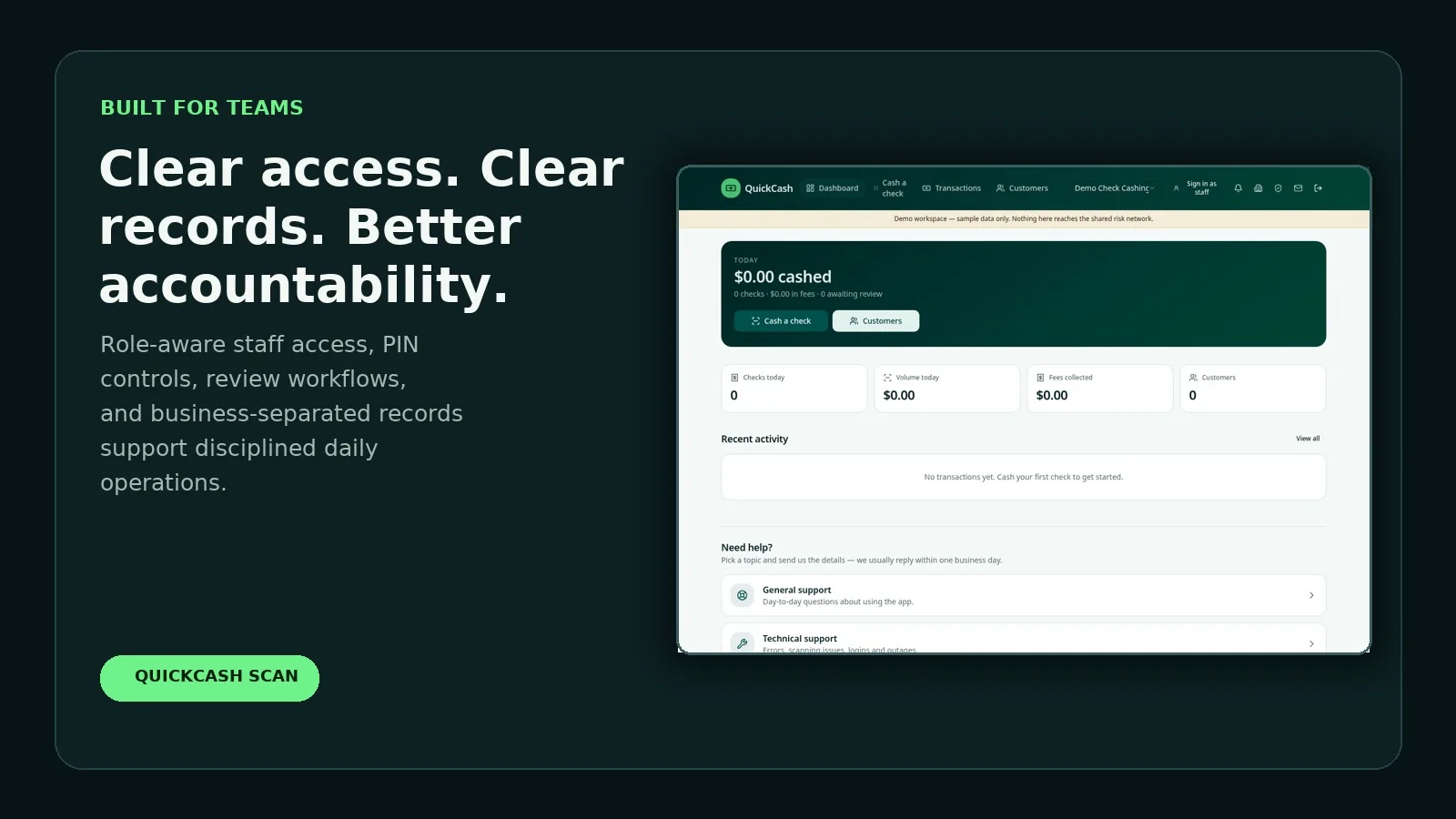
Staff roles and accountability
Give owners, managers, and cashiers access appropriate to their responsibilities. Individual staff profiles and PIN-based actions help businesses maintain a clearer activity trail for edits, voids, and approvals.
Multi-location visibility
Keep each business workspace separated while giving authorized operators a consistent way to manage stores, staff, records, and daily activity.
Shared risk signals
Eligible businesses may opt into a privacy-conscious risk network that shares limited, anonymous risk signals—not customer names, contact details, or private notes. Demo and trial workspaces do not participate in the live network.
Mobile-ready by design
Use QuickCash Scan on the web and supported iOS and Android devices. Tablet-friendly image controls include pinch-to-zoom, pan, crop, rotate, and retake.
//Why QuickCash Scan
What QuickCash Scan brings together
- One guided workflow from customer lookup through transaction completion
- Owner review paths for new customers and flagged checks
- Searchable records with PDF and CSV exports
- Staff roles, PIN controls, and accountability
- Business-separated data for multi-tenant operation
- Camera-assisted capture on supported mobile devices
- End-of-day summaries and operational reporting
- Push alert support for time-sensitive review activity
Owners
Maintain visibility into reviews, staff activity, transaction history, fees, and daily operations.
Managers
Support counter teams, review authorized actions, and keep records consistent.
Tellers
Follow a clear, customer-first workflow designed for speed and accuracy at the counter.
Multi-location operators
Use a consistent operational experience across business workspaces while maintaining separation of records.
Security and trust
QuickCash Scan uses encrypted connections, role-aware access controls, staff PIN workflows, audit-oriented records, and per-workspace data separation. The platform does not process payment-card data, so PCI DSS is not represented as an applicable certification. Security and compliance depend on each business's configuration, procedures, and legal obligations.
//FAQ
Does QuickCash Scan cash or deposit the check itself?
No. QuickCash Scan supports the business workflow, recordkeeping, and review process. The business remains responsible for its funding, verification, cashing decisions, and regulatory obligations.
Does image capture replace staff review?
No. Capture assistance helps enter information, but staff should verify every extracted field and make the final decision using their own procedures.
Can owners review checks before completion?
Yes. New-customer and risk-based workflows can route activity for owner review before a transaction proceeds.
Can I export transaction history?
Yes. Authorized users can filter records and export supported reports in PDF or CSV format.
Is it available on mobile devices?
QuickCash Scan is designed for web and supported iOS and Android devices, including tablet-friendly image controls.
Does it guarantee fraud prevention or regulatory compliance?
No software can guarantee either. QuickCash Scan provides operational controls and risk signals that can support a business's own review and compliance procedures.
Bring clarity to every check-cashing decision.
See how QuickCash Scan can help your team work faster, document decisions, and keep daily operations organized.
Download the demo
Try Quick Cash Scan on your own device. Demo builds are shared on request.
Inquire about Quick Cash Scan
Pricing, setup, customization or a live demo — our team will reach out.
Request a QuickCash Scan Demo